Minify the JSON Only After the Payload Shape Stops Changing
Use JSON Minifier as a workflow checkpoint when a valid payload has to fit an environment variable, fixture, query field, or ticket comment without turning active debugging into one unreadable line too early.
Open JSON Minifier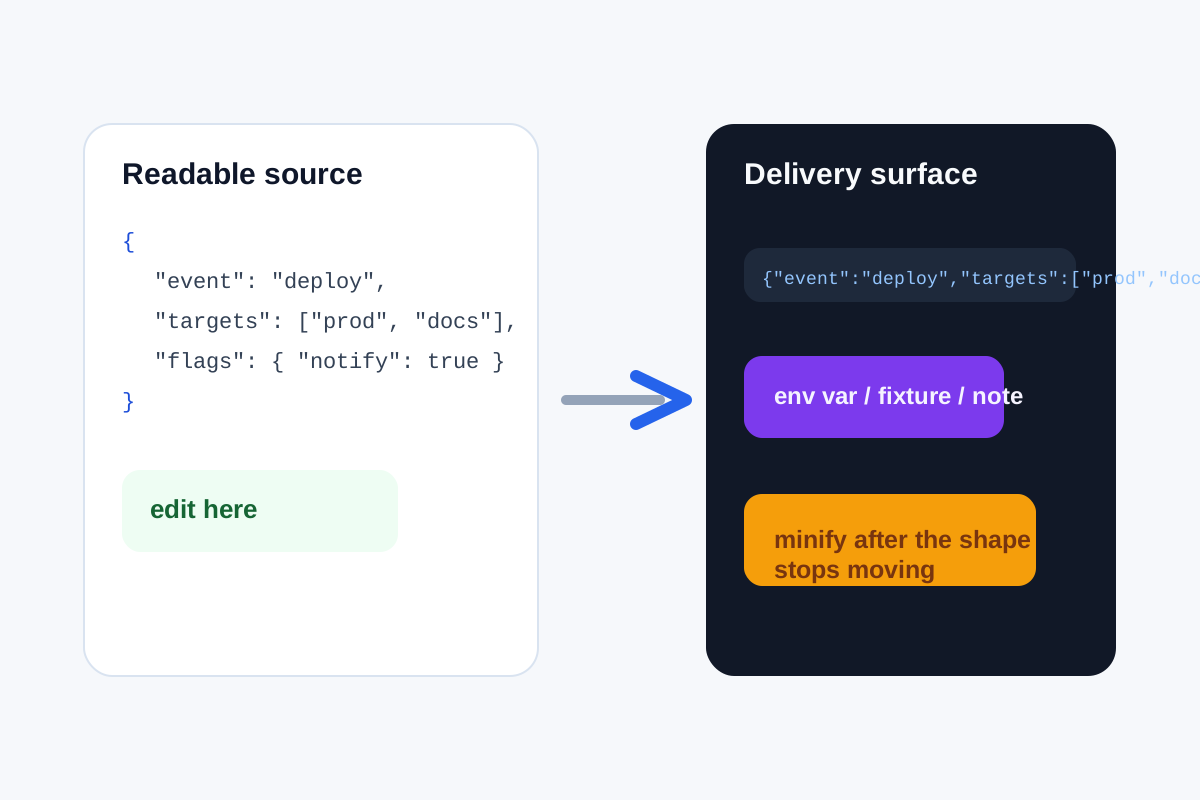
Minifying JSON is not only a size decision. It is a workflow timing decision. The same payload that becomes easier to transport in one line becomes much harder to inspect once you are still revising keys, arrays, or nested values. The clean habit is to keep the JSON readable while the shape is moving, then minify only when the next surface demands a tighter form.
Where the compact version is genuinely useful
- Environment variables or config fields that do not handle multi-line input gracefully.
- Support tickets or issue notes where a short valid sample is easier to paste and copy.
- Test fixtures where the goal is a compact inline payload rather than a hand-edited document.
- One-off transport steps where whitespace adds noise but no value to the receiving system.
A safer minification workflow
- Validate or format the JSON first while you are still actively checking structure.
- Keep one readable source version until the keys, array shape, and values are no longer changing every few minutes.
- Minify only the stable version that is about to move into the tighter field, variable, or fixture surface.
- Paste the compact result into the destination immediately instead of continuing to edit the one-line version by hand.
- If the payload changes again, return to the readable source and repeat the minify step rather than patching the compact line directly.
Why the timing matters more than the file size
Whitespace savings alone are usually small. The bigger payoff is reducing friction in the destination system without sacrificing debuggability earlier in the process. Minify too early and you make your own review harder. Minify at the end and you get transport convenience without losing structural clarity while it still matters.
When not to use the compact version
Do not use minified JSON as the main working copy when several people still need to inspect, annotate, or compare the payload. A pretty-printed block is the better editing surface; the minified version is the delivery surface.
Related UtilFlow moves
Use JSON Formatter when the real issue is seeing the hierarchy. Use JSON Validator if you are not sure the payload is valid before compacting it. When the compact string still travels through a URL or request parameter, pair the final step with URL Encode rather than forcing transport concerns back into the JSON itself.
FAQ
When should I minify JSON in a workflow?
Minify it after the payload structure has stabilized and right before it needs to move into a compact destination.
Why not edit the one-line JSON directly?
Because compact JSON is harder for humans to inspect, compare, and revise safely once the structure still changes.
Does minifying JSON fix invalid syntax?
No. The payload should already be valid before minification; otherwise you only create a smaller invalid string.