Check the Word Count Before a Form, CMS, or AI Brief Cuts Off the Real Draft
Use Word Counter when the real risk is not weak writing but a hard field limit that truncates a support reply, abstract, product blurb, or AI brief after the useful part was already written.
Open Word Counter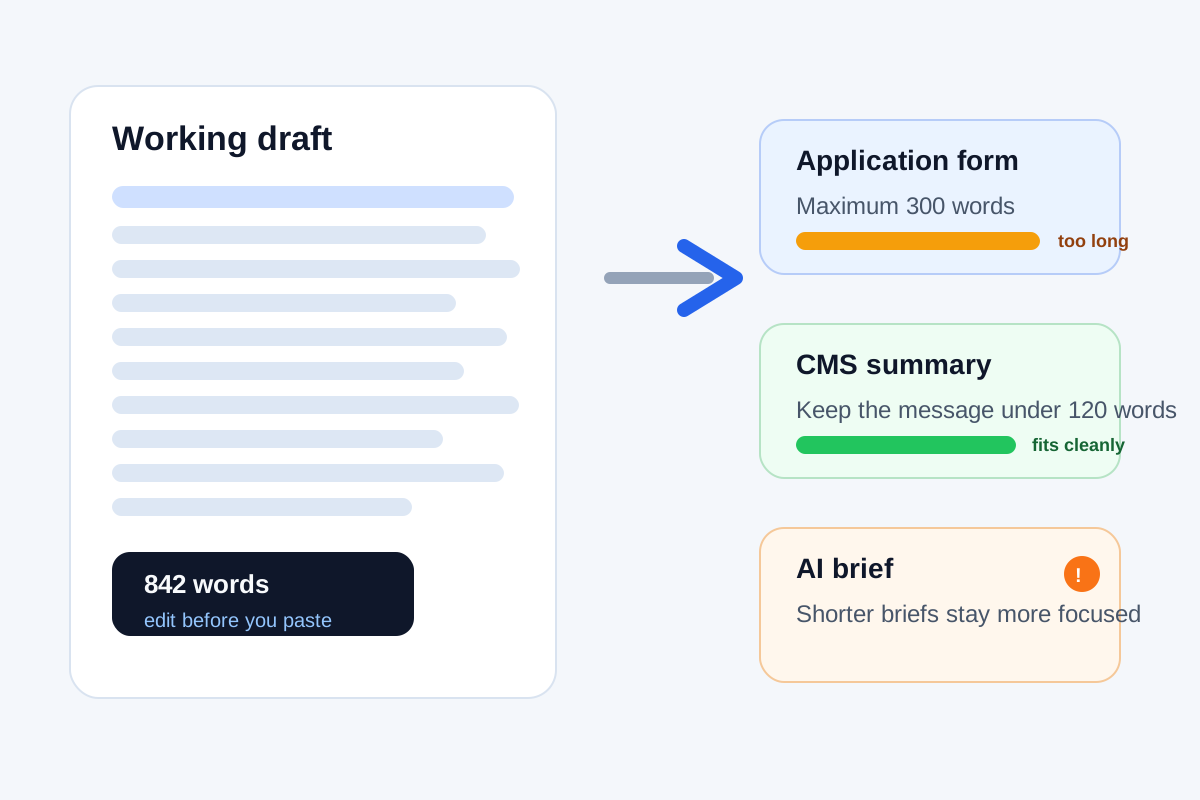
A surprising amount of content gets worse at the last minute because the destination is smaller than the draft. A scholarship answer box stops at 300 words, a CMS summary field trims the sentence that carried the point, or an AI handoff brief becomes too long to stay focused. The writing problem is often not quality. It is length discipline arriving too late.
Where the cutoff problem shows up
- Application answers and abstracts with visible word caps.
- CMS excerpts, product blurbs, and support summaries with limited room.
- AI task briefs that become less precise when extra context keeps piling on.
- Approval notes or review requests where a short readable version gets faster responses than a full draft dump.
Why counting words early changes the edit
When you know the draft is already over the limit, you stop polishing sentences that are unlikely to survive. That changes the editing move from line-level improvement to prioritization. What must stay? What can collapse into one line? Which setup sentences are doing less work than the evidence or instruction they delay?
A safer trimming workflow
- Paste the real draft before manual cuts so you see the actual gap between current length and target length.
- Set a practical target based on the destination, not just the maximum allowed count.
- Remove repeated setup, throat-clearing, and example overload before cutting the core instruction or claim.
- Recount after every meaningful pass so you do not discover the last 40 words are still blocking submission.
- Only then paste the shorter version into the form, CMS, or brief field that triggered the limit.
What this prevents better than last-second editing
It prevents blind trimming. Without a count check, people often delete whichever sentence looks easiest to shorten rather than the text that contributes least. That is how context vanishes while filler survives. A simple count turns the constraint into something visible enough to manage on purpose.
Related UtilFlow moves
If the next question is whether the shortened version still sounds natural out loud, continue into Reading Time. If the draft needs cleanup before the count reflects the real message, run Text Cleaner first so duplicate lines and extra spaces do not distort the edit.
FAQ
When should I check word count in a writing workflow?
Check it before the final paste into any field with a practical or explicit limit, especially when cutting later would change the meaning.
Is the goal to hit the exact maximum?
Usually no. A safer target leaves room for small edits and keeps the draft easy to read instead of merely technically acceptable.
What should I cut first when the draft is too long?
Cut repeated setup, weak transitions, and example overload before cutting the main claim, instruction, or supporting evidence.