Generate One Table Source Before Markdown, HTML, and CSV Copies Drift Apart
Use one reviewed grid to produce table formats for documentation, web content, and data handoffs without maintaining three manual copies.
Open Table Generator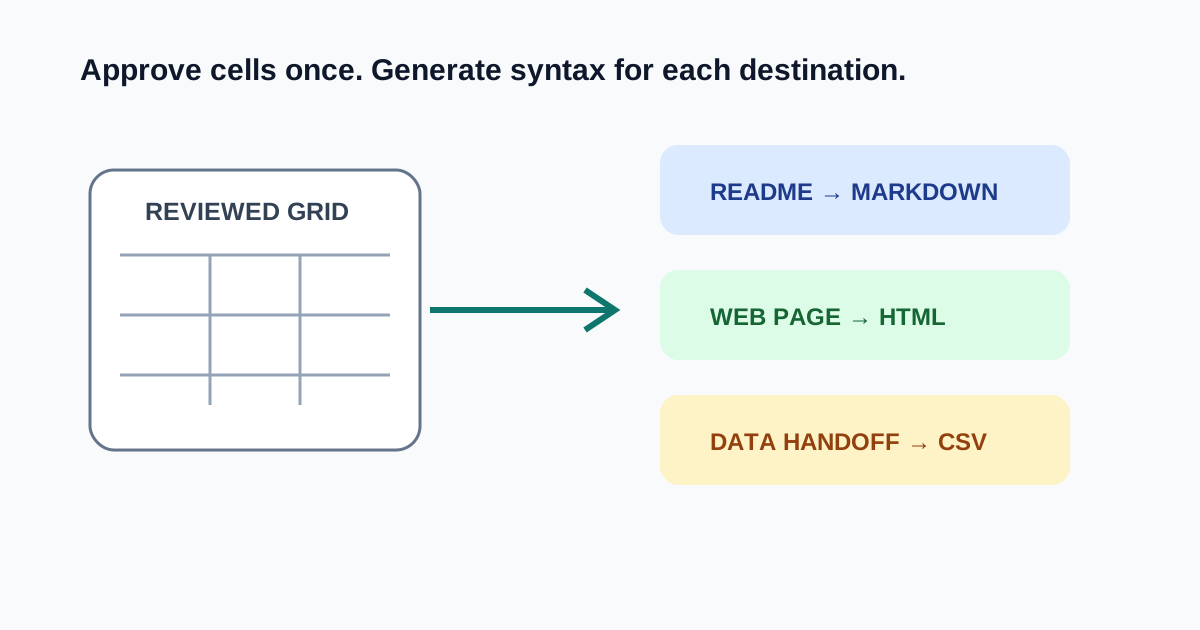
A release matrix appears in a README, a help page, and a spreadsheet handoff. Editing three tables by hand makes the third copy a quiet source of stale versions. Treat the rows as the source and the formats as outputs.
Review the grid before choosing the format
- Put stable field names in the first row and keep every later row the same width.
- Remove visual spacer rows that do not carry data.
- Decide whether commas, tabs, pipes, or markup characters are literal cell content.
- Paste the reviewed rows into Table Generator and inspect the preview.
- Copy Markdown for repositories, HTML for controlled web markup, or CSV for data exchange.
Stop and copy at the destination boundary
Markdown is concise but renderer behavior varies. HTML supports explicit structure but may need sanitization in a CMS. CSV is portable data, not presentation. Choose the output for its next consumer instead of assuming the formats are interchangeable.
What to verify after generation
Check header count, row count, empty cells, escaping, and one long value. Paste the output into a disposable preview before replacing the published version. When source rows change, regenerate every destination from that same reviewed input.
FAQ
Which table format should I choose?
Use Markdown for compatible documentation, HTML when you control web markup, and CSV when another system needs data rows rather than presentation.
Why do pipe characters break Markdown tables?
Pipes delimit Markdown cells. Escape or replace literal pipes according to the renderer used by the destination.
Is CSV a styled table format?
No. CSV carries rows and fields. Spreadsheet or import software decides how those values are displayed.