Calculate a Deadline From the Right Start Date, Not the Date You Happen to Open the Tab
Use Date Calculator to make a transparent date interval from the governing event, then check inclusive counting, time zones, and non-working-day rules separately.
Open Date Calculator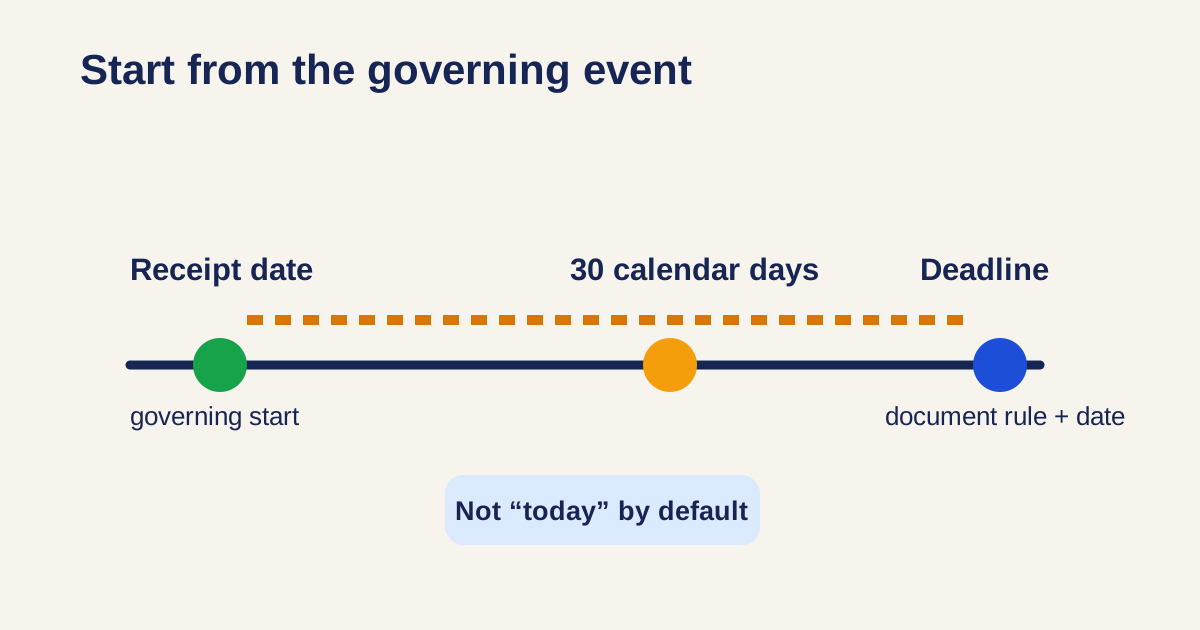
“Due in 30 days” sounds clear until one person counts from the email date, another counts from receipt, and a third counts from today. The arithmetic may be correct in every tab, while the deadline is still wrong because the starting event was never agreed.
Make the interval auditable
- Write the rule in plain language: for example, 14 calendar days after receipt or 30 days from the invoice date.
- Enter that governing start date into Date Calculator, not the day you happen to perform the calculation.
- State whether the start date itself counts; inclusive and exclusive counting can produce different answers.
- Record the result with its time zone or local-business context when timing matters.
- Check contracts, policies, weekends, holidays, cut-off times, and local rules separately; a general calculator does not interpret them for you.
A date result needs a rule beside it
Date Calculator is ideal for transparent calendar arithmetic. It is not a legal or policy engine. Keep the source event and counting rule with the resulting date so a teammate can verify the same interval rather than reverse-engineering a number from a calendar invite.
Related UtilFlow links
Use Date Calculator for calendar intervals, Unix Timestamp Converter when systems exchange epoch times, and Calendar Maker when the confirmed dates need to be shared as a visual planning view.
FAQ
Does adding 30 days include the start date?
That depends on the governing rule. Decide and document inclusive or exclusive counting before treating the calculator result as a deadline.
Can a date calculator handle business days and holidays?
Use it for calendar arithmetic unless the tool explicitly supports a particular business calendar. Apply the relevant policy or jurisdictional rules separately.
Why does a time zone matter for a date-only deadline?
It can matter around midnight, international handoffs, and system timestamps. Use the applicable local date and state the time zone where a cut-off is important.