Draw the Decision Boundaries Before an Online Whiteboard Becomes a Wall of Equal-Weight Notes
Structure a whiteboard around the decision, evidence, options, and next action so a workshop export remains useful after the meeting.
Open Online Whiteboard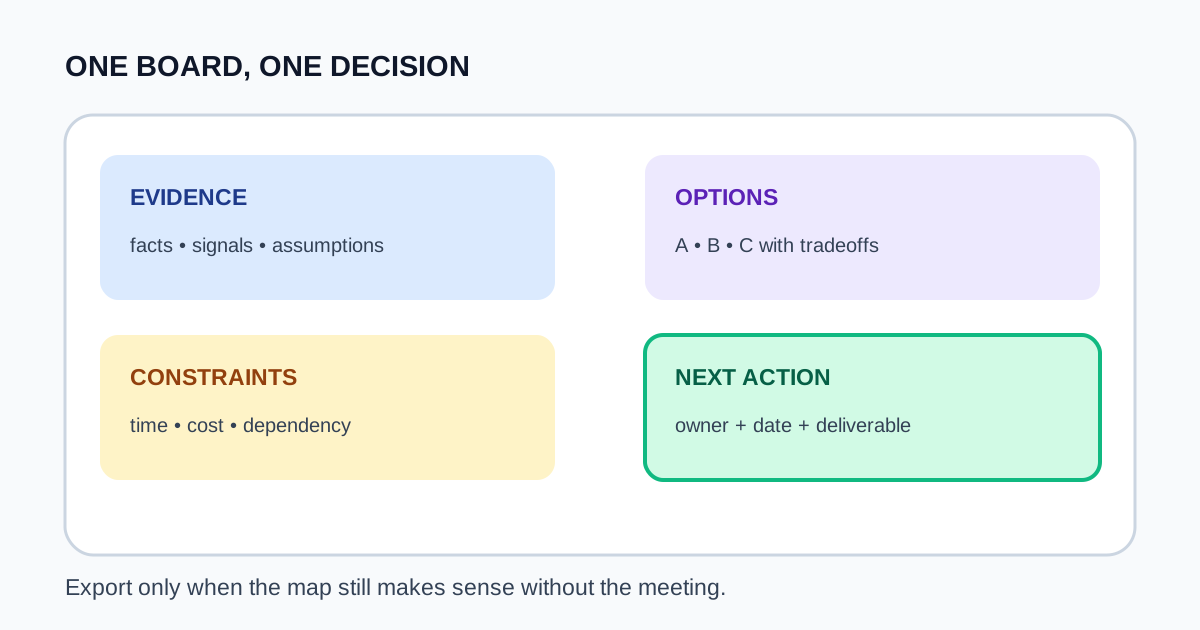
When every note receives the same box, color, and space, the board records activity without showing what was decided. A useful workshop map gives evidence, options, constraints, and the final action visibly different jobs.
Build the board around one decision
- Write the decision question at the top before drawing any branches.
- Reserve separate zones for evidence, options, constraints, and unresolved questions.
- Use connectors to show cause or dependency, not merely reading order.
- Mark the chosen option and owner in a distinct final-action box.
- Remove abandoned scratch work or label it clearly before exporting the PNG.
Stop when the export can stand alone
Before downloading, zoom out and ask whether someone absent from the session can identify the question, the chosen direction, and the next owner. Add a short legend only when color or line style carries meaning that is not obvious.
Related UtilFlow links
Use Online Whiteboard to draw the map, Image Cropper to remove unused canvas, and Image Resizer when the destination needs a specific handout width.
FAQ
What should go at the center of a decision whiteboard?
Use the decision question or the option under evaluation, then connect evidence and constraints around it.
How many colors should a workshop board use?
Use only enough to encode stable roles or states, and include a legend when the meaning is not obvious.
When is the whiteboard ready to export?
When the question, selected direction, unresolved items, and next owner remain clear without spoken explanation.