Debug a Regular Expression by Testing the Smallest Failing Example
Use Regex Tester to isolate one match failure, inspect its position, and change a pattern only after the smallest representative input proves the rule.
Open Regex Tester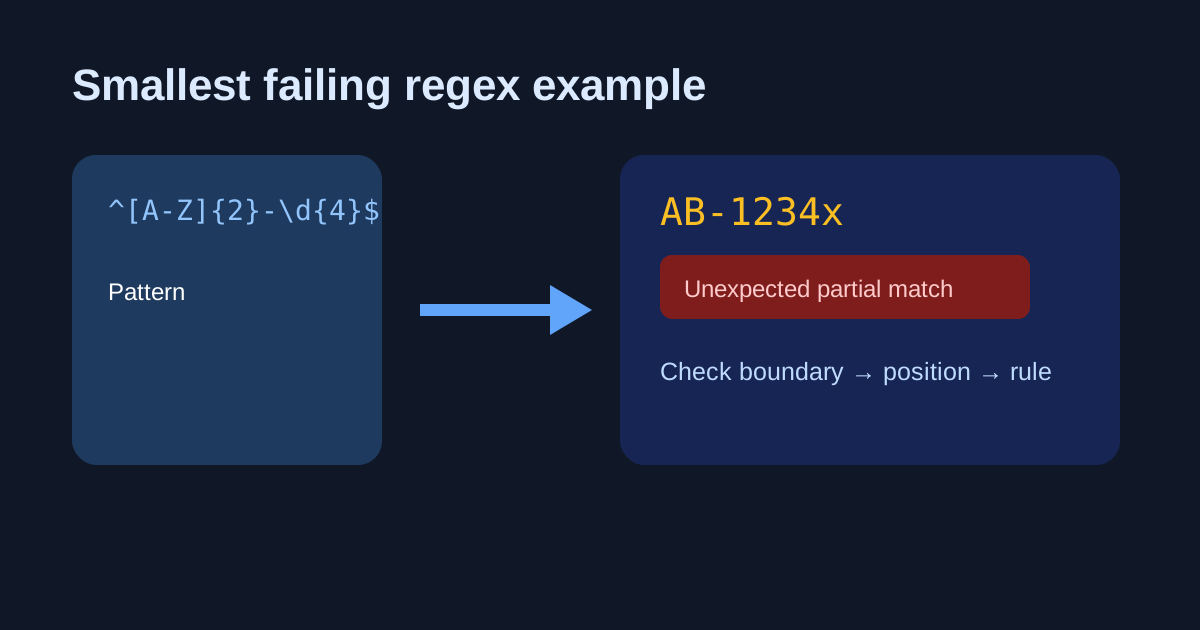
A validation rule rejects one customer ID, so it is tempting to add another wildcard until the screen turns green. That makes the rule less understandable and can quietly admit malformed values. Start with the smallest input that fails and make every character earn its place in the test.
Shrink the input before changing the pattern
- Copy one input that unexpectedly matches or fails, then remove unrelated characters until the behavior still appears.
- Write the expected result in words: whole value, one token, start only, or every occurrence.
- Test a valid neighbor and an invalid neighbor that differ by one character.
- Use Regex Tester to inspect highlighted matches and their positions instead of trusting a visual scan.
- Add the small examples to the codebase or validation note so the next edit has a regression set.
Check boundaries and repetition separately
Anchors answer whether the entire string must satisfy the rule; character classes answer which characters are allowed; quantifiers answer how many. Change one of those questions at a time. A pattern that finds an email-shaped fragment inside a sentence is not necessarily a rule that validates an entire email field.
Related UtilFlow links
Use Regex Tester for the match behavior, Text Diff to compare two nearly identical fixtures, and JSON Formatter when the strings came from an API payload that needs readable context.
FAQ
Why does my regex match part of a longer value?
The pattern may be searching for a substring. Use start and end anchors when the whole input must match, then test a longer surrounding string.
Should I test with production data?
Use a minimal, non-sensitive representative example whenever possible. It is easier to understand and safer to share.
What does a match position tell me?
It shows where the matching text begins, which helps distinguish a wrong boundary from a wrong character class or quantifier.