Turn a Plain-Language Note Into Consistent Title and Sentence Case Without Breaking Names or Code
Use Case Converter for headline and label cleanup while protecting proper names, acronyms, URLs, identifiers, and text whose capitalization carries meaning.
Open Case Converter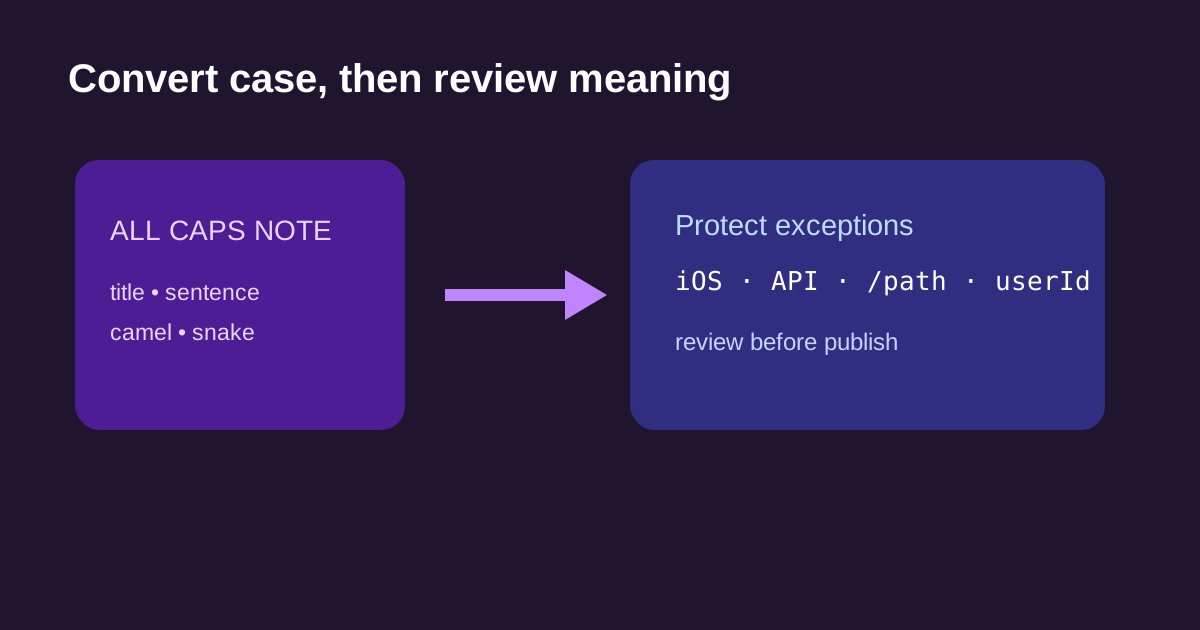
A copied heading arrives as ALL CAPS, while a label in the same document uses a URL, a product name, and an API field. Bulk case conversion makes the page look consistent quickly, but it cannot know which capital letters are branding, syntax, or content.
Classify the input first
- Use sentence or title case for human-facing copy after confirming the editorial style.
- Use camelCase, PascalCase, snake_case, or kebab-case only for identifiers with a defined destination convention.
- Protect product names, personal names, initialisms, URLs, file paths, and code samples before bulk conversion.
- Convert a small representative selection with Case Converter and inspect it beside the original.
- Paste the reviewed result into its destination and preserve the source when the language still needs editing.
A case change is not a style decision
Case Converter applies a mechanical transformation. It cannot decide whether a short word should be lowercased in a title, whether “iOS” must retain its brand capitalization, or whether a string is a user-facing label versus a case-sensitive key. Use it to remove repetitive work, then perform a meaning check.
Related UtilFlow links
Use Case Converter for mechanical case changes, Text Cleaner for pasted whitespace and line-break cleanup, and Slug Generator when a reviewed headline needs a lower-case URL path.
FAQ
Can a case converter preserve product names automatically?
Not reliably. Review brand names, acronyms, and intentional capitalization after the mechanical conversion.
Which case should I use for URLs?
Use the destination’s convention; URL slugs are commonly lowercase with hyphens, while application routes or API keys may have different requirements.
Should I convert code samples with title case?
No. Code and configuration identifiers can be case-sensitive. Use the intended programming convention and test the result in context.